
How Proactive IT Maintenance Reduces Avoidable Downtime
Hardware rarely fails without warning. Printers jam more often before they stop. Fans get louder. A switch port drops intermittently for weeks before the switch gives out. The signs are usually there, but in a break-fix model nobody is looking for them.
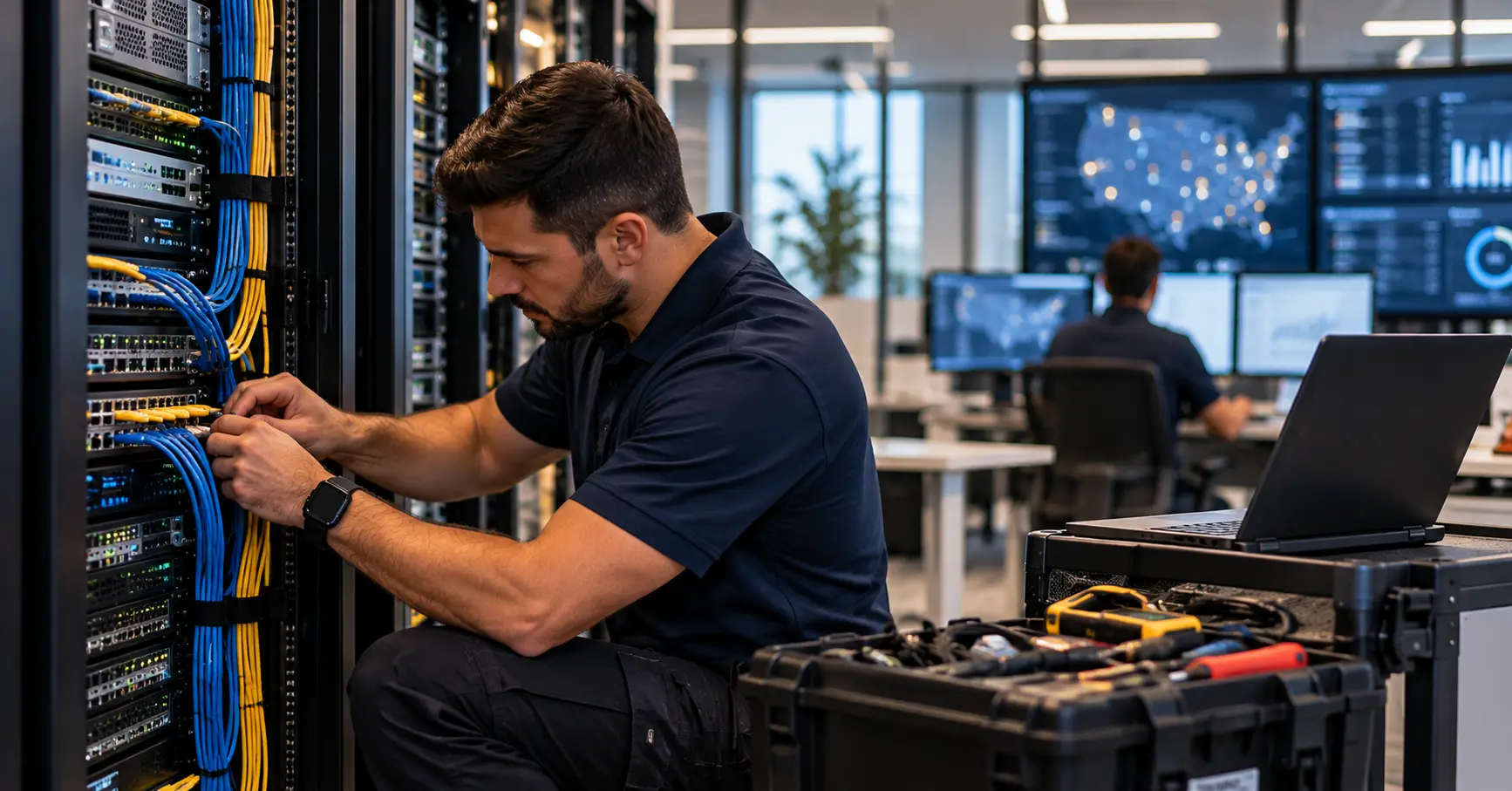
Proactive IT maintenance means inspecting and servicing equipment on a schedule so problems can be found and fixed before they interrupt the business.
It will not prevent every failure. It does change when failures are discovered and how many of them can be avoided through planned maintenance.
1. Problems Are Found While They Are Still Small
During a scheduled visit, a technician checks for worn components, loose or damaged connections, dust buildup, heat, and error logs. These inspections can reveal issues before they affect normal business operations.
A worn printhead or frayed patch cable costs relatively little to replace during a planned visit. Left alone, the same component can eventually take a device out of service at a time nobody chose.
The goal of proactive IT maintenance is simple: find the warning signs before they become business interruptions.
2. Equipment Lasts Longer
Thermal printers, point-of-sale terminals, and other devices with moving parts can benefit from regular cleaning and adjustment. Removing dust and debris and addressing wear can help keep equipment operating as intended.
Well-maintained equipment can remain in service longer, helping organizations delay replacement spending and improve the return on technology they have already purchased.
3. Repairs Move to Planned Windows
The most disruptive time to fix equipment is often when it fails during business hours. Scheduled maintenance allows teams to perform work early in the morning, during a quiet weekday, or ahead of a busy season.
This is also why maintenance should be completed before peak periods as part of a broader holiday IT support plan . Planned work gives businesses more control over when equipment needs attention.
4. You Learn What Is Really in the Field
Each maintenance visit is also an opportunity to audit the equipment at a location. Technicians record device condition, confirm models and serial numbers, and note anything that does not match the existing records.
After a full maintenance cycle, the organization has more current information about its equipment across locations, often improving on the asset database that existed before the visits began.
5. Replacement Decisions Get Easier
Service history shows which devices are costing more to maintain than their continued use justifies. Instead of replacing every device on a fixed schedule or waiting for failures, organizations can target the units and locations identified by the data.
This creates a more informed approach to budgeting, hardware refreshes, and long-term technology planning.
Proactive Maintenance and Break-Fix
Proactive maintenance and break-fix support are not alternatives. Break-fix responds after a failure and will always be necessary. Proactive maintenance helps reduce how often that response is needed and how disruptive failures can become.
Most organizations schedule maintenance for equipment that is critical to operations or prone to wear, while relying on break-fix support for other devices. The right balance should be part of your wider IT support strategy.
What a Maintenance Visit Typically Covers
The exact work depends on the device, its operating environment, and manufacturer guidance. A typical maintenance visit may include:
- Visual inspection for wear, damage, and overheating
- Cleaning components that collect dust, residue, or debris
- Checks on cables, connections, and power
- Replacement of consumable or worn parts where required
- Functional testing after service
- Updated records of device condition, model, and serial number
Maintenance Programs From Barrister
Barrister Global Services Network provides multi-vendor installation, repair, and maintenance for organizations with equipment spread across many locations.
Its network of 13,000 qualified technicians supports scheduled maintenance programs alongside break-fix response under one coordinated process.
Explore our related services: IT Life-Cycle Services and On-Premise Services .
Want fewer emergency calls next year? Talk with Barrister about a maintenance program tailored to your equipment and locations.
Frequently Asked Questions
What is proactive IT maintenance?
It is scheduled inspection, cleaning, testing, and servicing of technology equipment, intended to catch and correct problems before they cause an outage.
Does proactive maintenance eliminate downtime?
No. Some failures cannot be predicted. Proactive maintenance helps reduce avoidable failures and moves much of the remaining repair work into planned service windows.
How often should equipment be maintained?
It depends on the device, how heavily it is used, the operating environment, and manufacturer guidance. High-use equipment in dusty or hot locations may need attention more often than typical office equipment.
What equipment benefits most from proactive maintenance?
Devices with moving parts or heavy duty cycles, such as printers, point-of-sale terminals, and kiosks, can benefit significantly. Network and server equipment also deserves attention where a single failure could affect an entire location.
Reduce Avoidable IT Downtime
Build a more proactive approach to technology maintenance. Talk with Barrister about scheduled service for your equipment and locations.
Schedule a MeetingOr call us at 888-927-9909